Record.
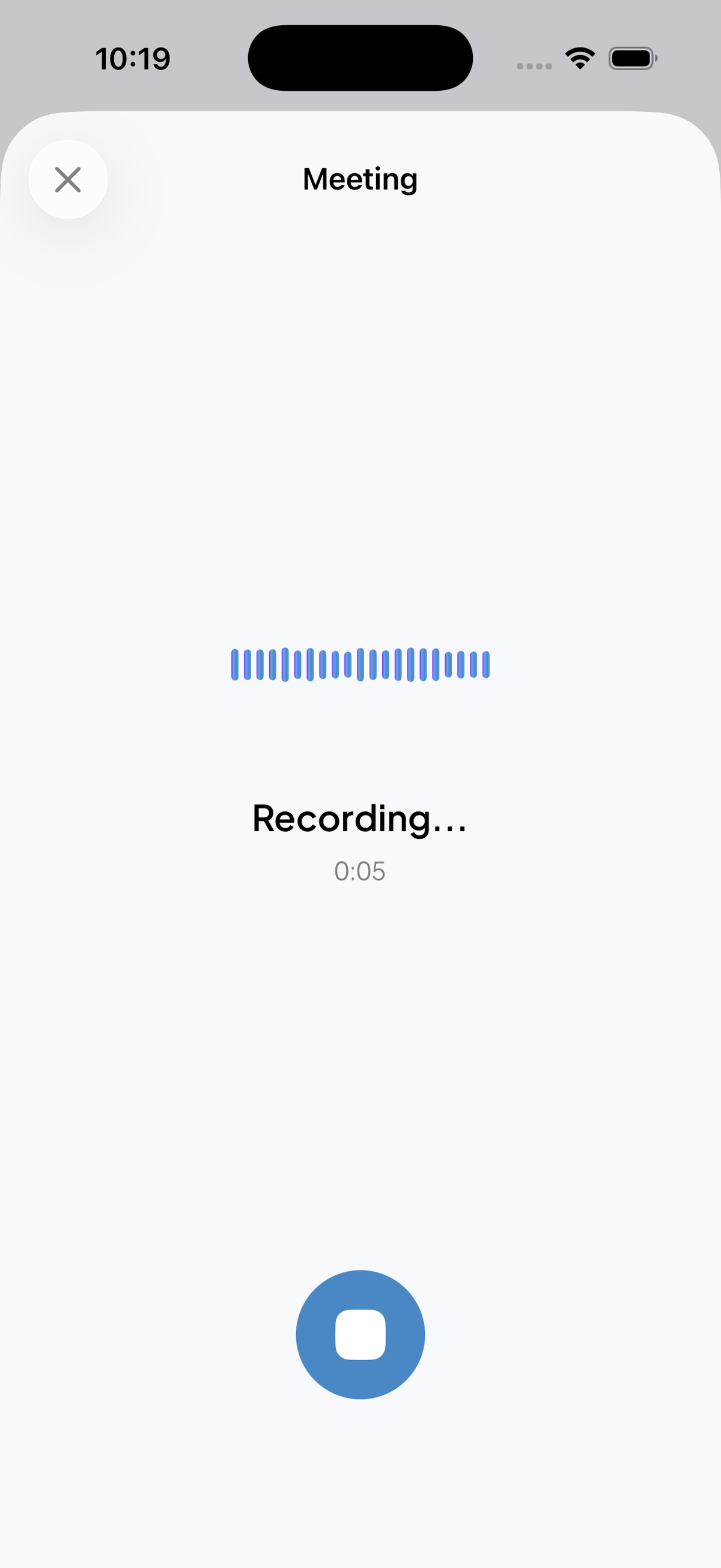
Tap. Record. Keep talking.
A Live Activity on the lock screen lets recording continue while your phone sits in your pocket. Nothing to babysit.
— Meetings. On your phone.
A voice-first meeting notebook for iPhone. Tap once. Walk out with your summary, decisions, and action items already written.
 Android soon
 — How it works
From the home widget, Siri, the Action Button, Back Tap, or the app itself. Recording starts in one gesture.
Speak as you normally would. A Live Activity keeps recording going while your phone is in your pocket.
Stop when the conversation stops. Within minutes the notes are waiting in your inbox.
— The flow
Tap. Record. Keep talking.
A Live Activity on the lock screen lets recording continue while your phone sits in your pocket. Nothing to babysit.
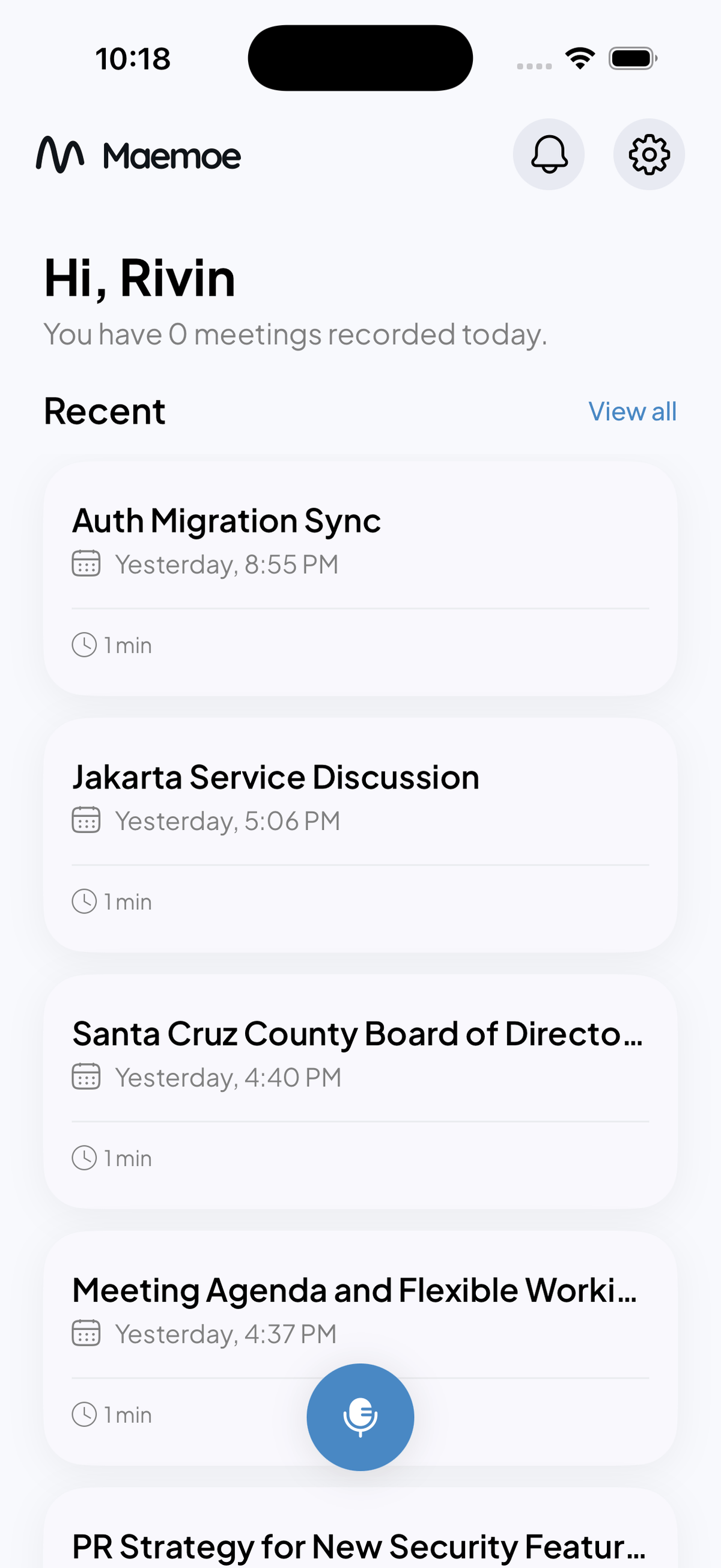
— The flow
Tap. Record. Keep talking.
A Live Activity on the lock screen lets recording continue while your phone sits in your pocket. Nothing to babysit.
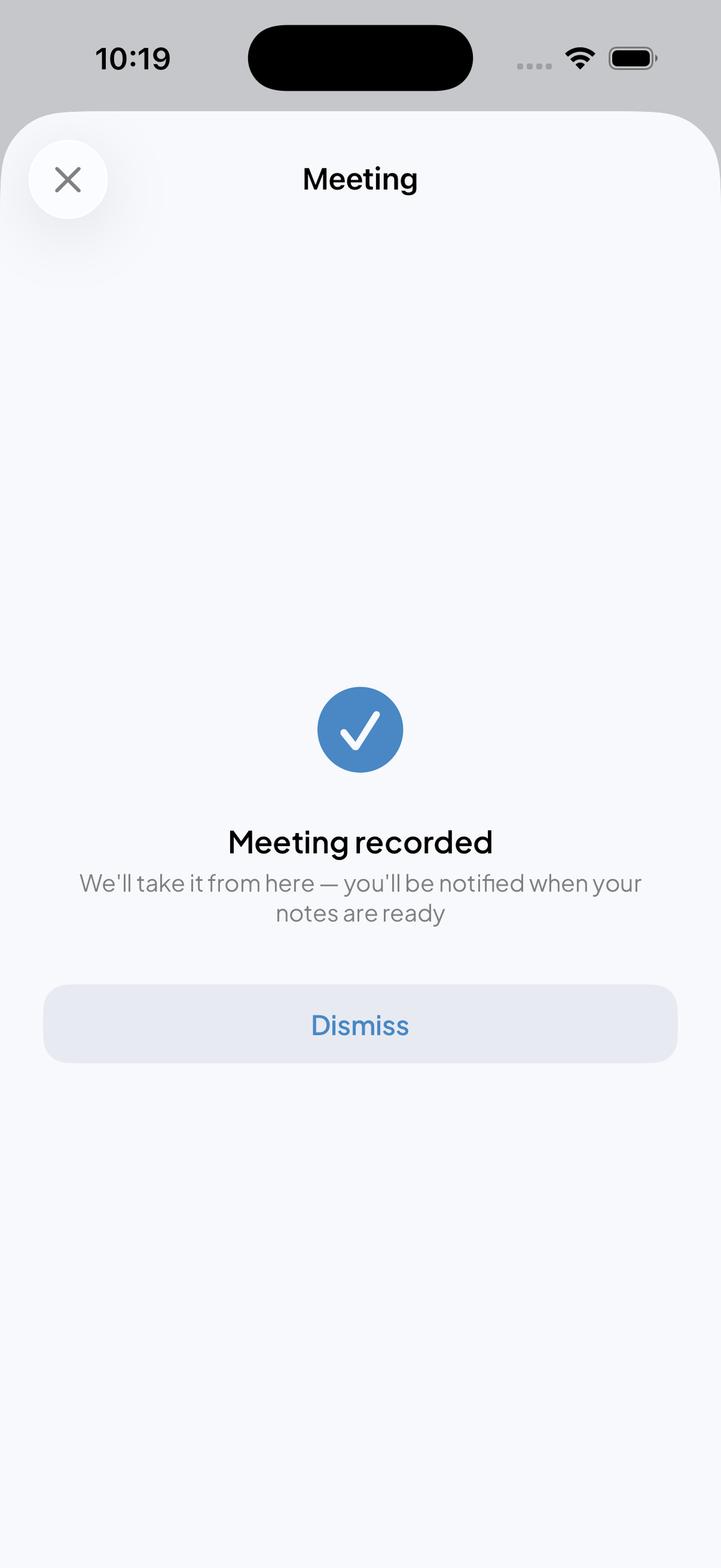
End the meeting. Close your phone.
The moment you stop, the conversation is handed off. You are free to do whatever is next.
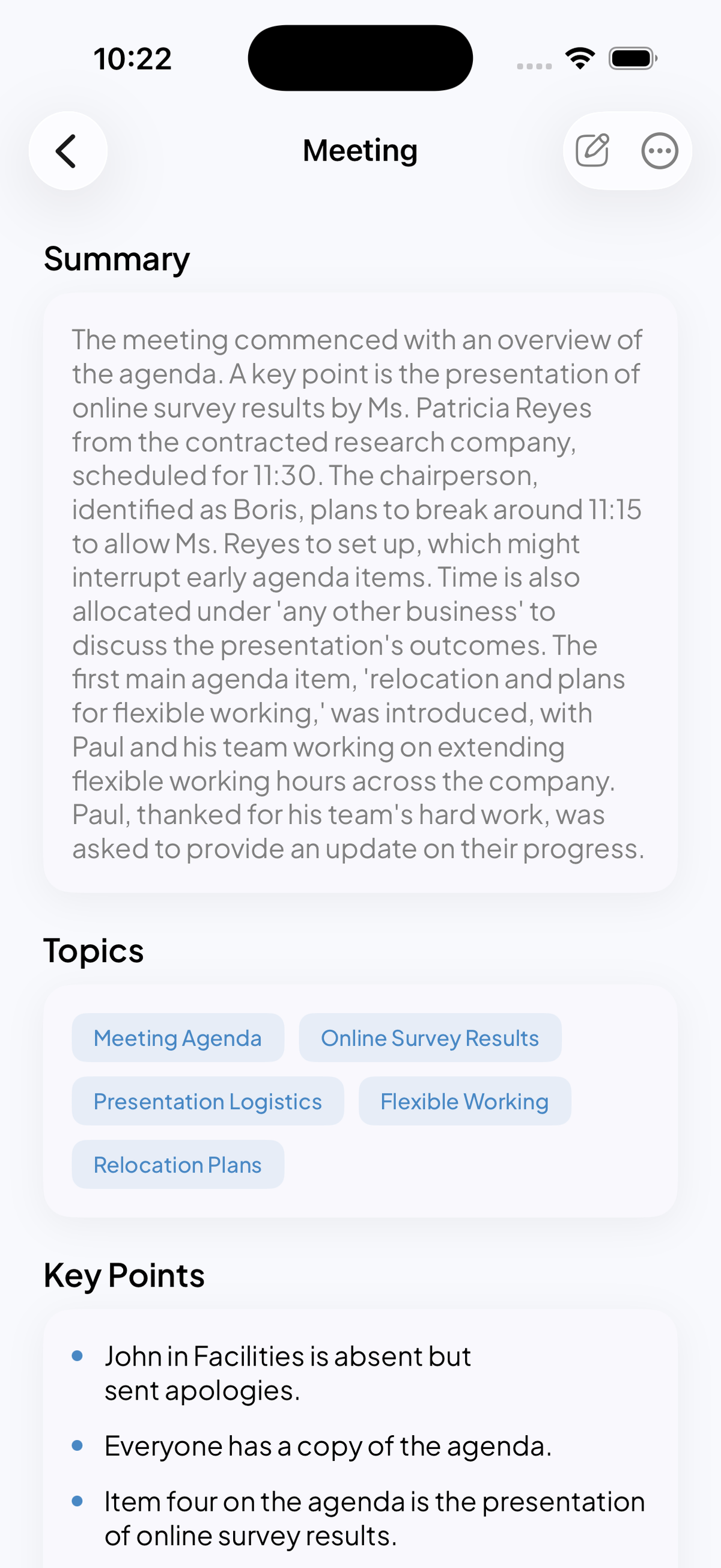
Arrives as a written brief.
Topics, key points, and a paragraph of prose. The meeting becomes something you can scan in thirty seconds.
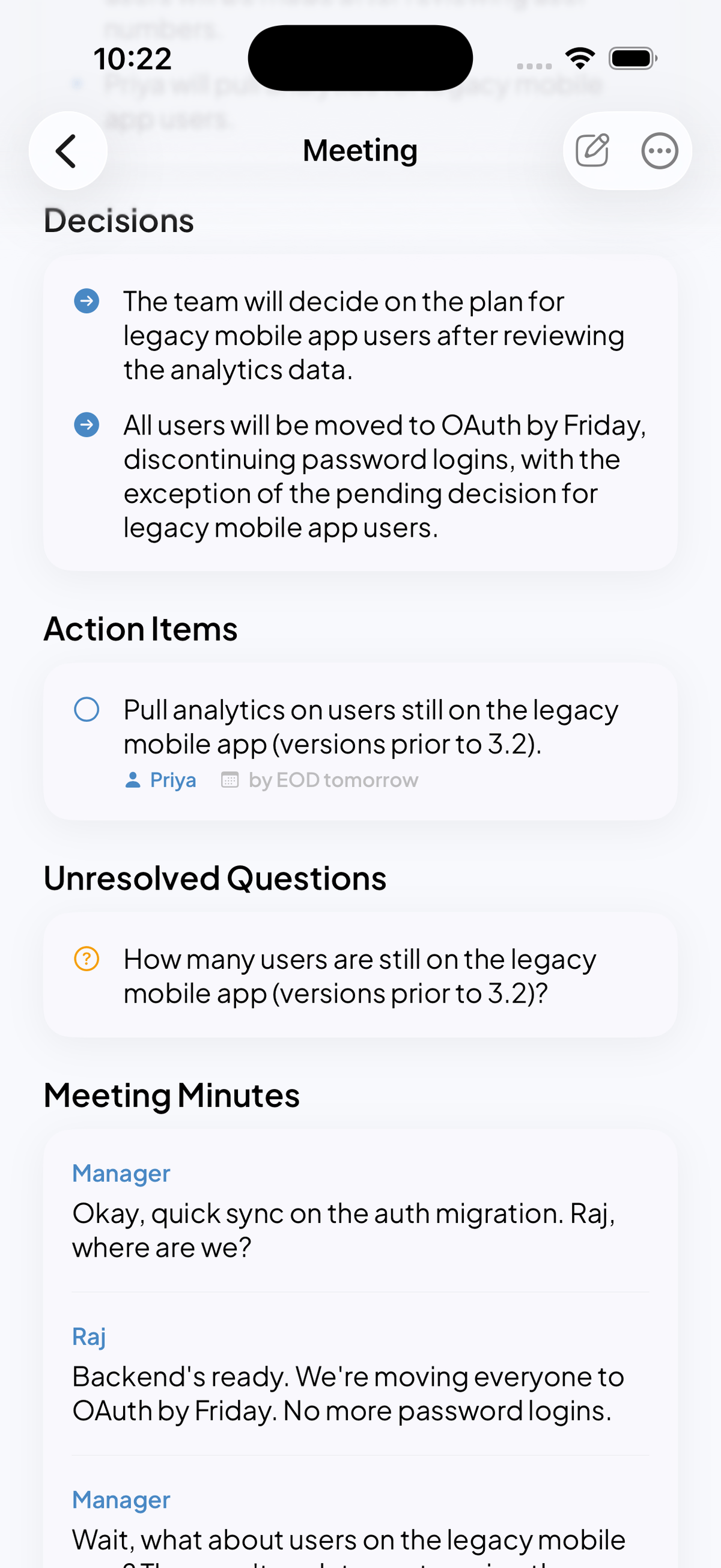
Decisions, action items, open questions.
Parsed out of the conversation and laid into a structured sheet. Everything that needed to be written down, written down.
A library of everything you said.
Every meeting, searchable. A second memory for the conversations that used to evaporate.
— What you get
A paragraph of prose. The meeting in thirty seconds.
The subjects that actually came up. Tagged and searchable.
The statements that mattered. Nothing padded.
What was agreed, and who agreed to it.
Assigned to people, due by dates. Ready to export.
What was raised and left unresolved. So nothing slips.
The complete transcript when you need the original words.
— Deep dive / Summary
Every recording opens with a short written brief. One paragraph of prose. A list of topics. The key points, in order of what was said.
— Deep dive / Actions
Decisions, action items, unresolved questions, and the full minutes. The doing parts of the meeting, separated from the talking.
— Five ways to start
Maemoe hooks into everything iOS already gives you. Pick the gesture that fits how you carry your phone.
A single tap from your wallpaper. Recording starts before the app is even visible.
Hey Siri, record this meeting. Hands-free when your phone is across the table.
Long-press the side of your iPhone. Recording begins instantly. No screen needed.
Double-tap the back of your phone. An Accessibility gesture becomes the fastest capture on iOS.
Open Maemoe, tap the center. The traditional way, if you prefer it.
— Privacy
Recordings are encrypted end to end. Audio is discarded once the notes are generated. You own the transcript, and you can delete any recording permanently at any time.
— Pricing
Record 120 minutes a month for free. Go unlimited for $19.99 a month, or get two months free on annual.
Record up to 120 minutes a month
Record without limits
2 months free
Payment will be charged to your Apple ID account at confirmation of purchase. Subscriptions renew automatically unless canceled at least 24 hours before the end of the current period. Manage or cancel in your Apple ID account settings. By subscribing you agree to our Terms and Privacy Policy.
— FAQ
— Maemoe for iPhone
Android · Coming soon